Testimoni · Product owner story
How to turn tweets and LinkedIn posts into website testimonials
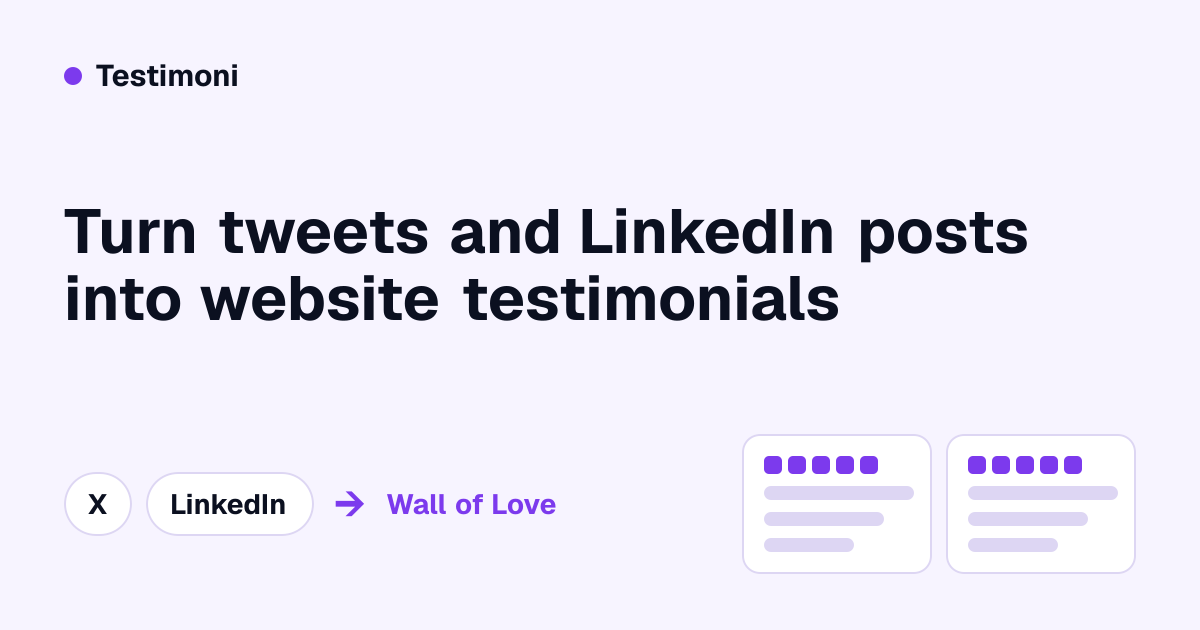
Paste the link to a public X or LinkedIn post that praises your product, approve it, and publish it as real text with the author’s name, photo and a link back to the original. A step-by-step walkthrough, about 30 seconds a post.
Submitted by a product owner · · Visit Testimoni ↗
If you have been tagged in a kind tweet or a LinkedIn post about your product, you already own some of the best social proof you will ever get. Most founders leave it where it is, or paste a screenshot onto their site. A screenshot is not text, so search engines, AI assistants and screen readers cannot read it, and it looks out of date quickly.
Here is a better way: turn the post into a real testimonial in a few clicks. This walkthrough uses Testimoni, a testimonial tool built by the same maker as UpPeek, so you know where the bias is.
What you need A public post on X or LinkedIn that praises your product. A free Testimoni account. The free plan keeps up to 10 testimonials and includes a hosted Wall of Love page. Turn a tweet into a testimonial Copy the link to the tweet. Any public post on X works. Paste it into Testimoni. The quote, the author's name and their profile photo are imported as text. Approve it. Nothing goes live until you say so. Show it. Put it on your hosted Wall of Love, or embed it on your own site with one line of script. The imported testimonial keeps the link to the original post, so a visitor can check that it is real. There is a longer guide to this on turning tweets into testimonials.
Turn a LinkedIn post into a testimonial It works the same way. Open the LinkedIn post where someone praised you, copy its link, paste it into Testimoni and approve it. The quote, name and photo come from the public post. See collecting LinkedIn praise for the details.
One honest limit: LinkedIn does not let tools export the recommendations on your profile automatically. If you want to use one, upload a screenshot of it and Testimoni's AI extracts the quote as text. Public posts are the easy path.
Find the praise you have already earned Most small products have more praise than their founders remember. A quick search:
Search X for your product name and for your domain. Check your LinkedIn notifications and the comments under your own launch posts. Look through your Product Hunt launch thread. Testimoni's free scan also looks across X, Reddit and LinkedIn for public mentions of your site, so you can pick the ones worth importing. You review everything it finds before anything is shown.
Make the wall convincing Pick specific quotes. "Cut our onboarding from two days to two hours" persuades more than "great product". Mix the sources. A wall with posts from X, LinkedIn and a form looks more credible than one source repeated. Tell the author. A short reply saying you would like to feature their post is courteous, and it often earns a second testimonial. Put proof where people decide. Next to your sign-up button and on your pricing page, not only on a separate page. Showing it on your site You have two options, and you can use both. Share the hosted Wall of Love page when someone asks for proof, and embed the same wall on your homepage or pricing page. The embed is one script. It renders the testimonials as real text inside a Shadow DOM, so it does not clash with your site's styles, and it is not an iframe. Here is more on embedding testimonials without screenshots.
What it costs The free plan imports posts by link and keeps up to 10 testimonials, with a hosted Wall of Love and a grid layout. Pro is a flat $19 a month for unlimited testimonials and every layout.
The short version Find a public post that praises you, paste its link, approve it, and publish it as text with the author's name, photo and a link back to the original. That is about 30 seconds a post, and it replaces a screenshot nobody can read.